
About the main search bar
1. You can activate the search bar without using a mouse by simply pressing (ALT + S).
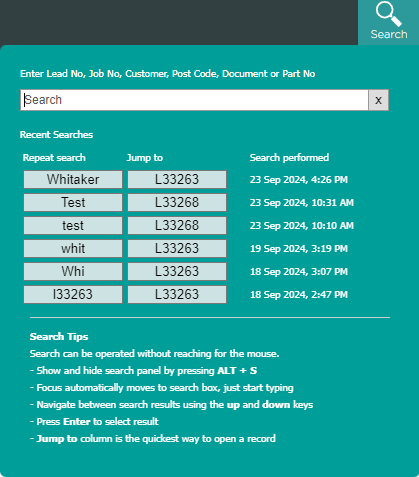
2. The search bar provides a convenient way to swiftly find a lead or folder. Just type in your query, and you can choose the relevant option from the dropdown menu.
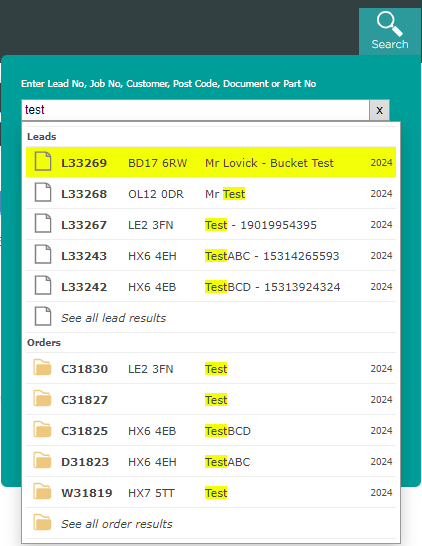
3. Searchable fields within the search bar
- Customer Name
- Document
- Job Number
- Lead Number
- Post Code
- Part Number
4. Combine search keywords with && to get more accurate results. Example: 'smith && sw11' returns customers called Smith living in SW11 London