
- There are two ways to navigate the DrawingBoard: either click on the part of the drawing that you want to make changes to, or click on the name of the part in the Explorer pane on the right-hand side. For example, to make changes to the frame, either click the frame itself, or click “Frame” in the Explorer.
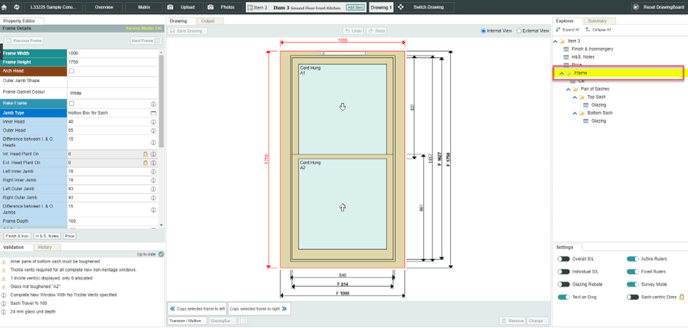
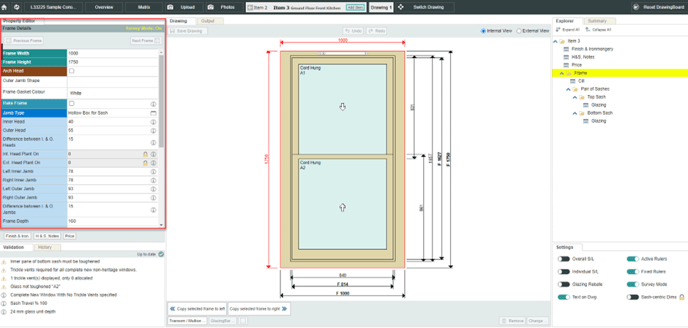
- Either way, after selecting part of the drawing, changes are made in the Property Editor on the left-hand side.
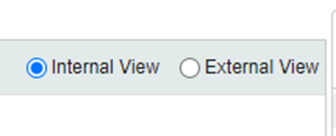
- Use Internal View and External View to toggle the viewpoint.
- Use Undo to get rid of the previous change, and Save Drawing to save any changes.

- Use the arrow buttons to quickly switch between items, or between drawings for the current item.

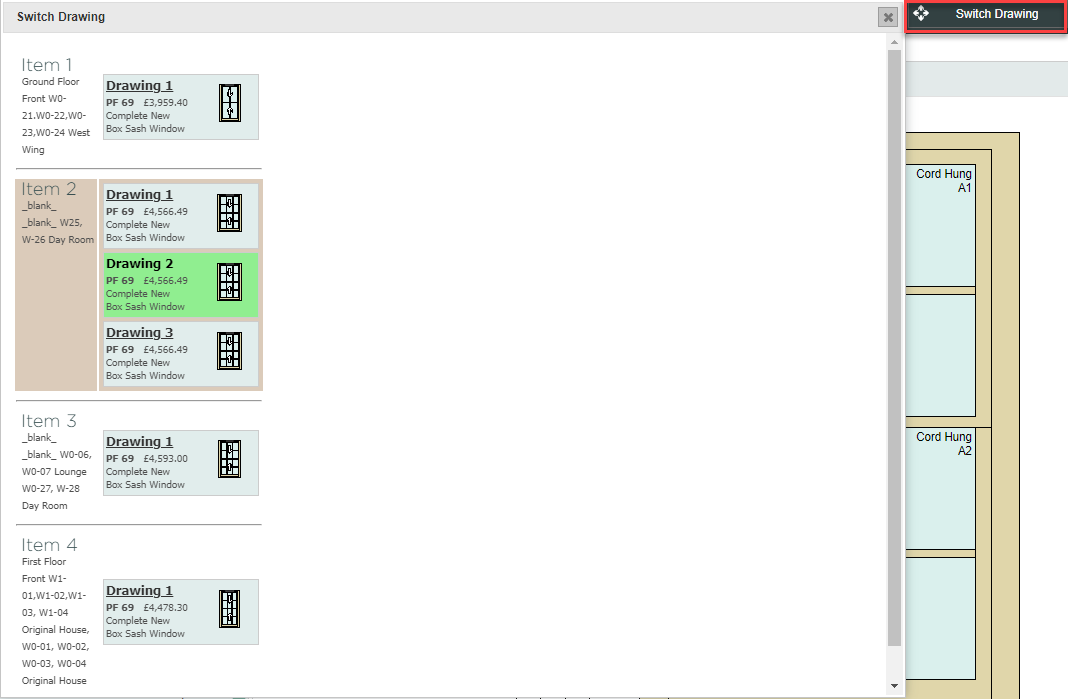
- Use the Switch Drawings button to see an overview of the items and drawings on the quote, and easily navigate between them.
User Guide- integrate Drawing Board Features