
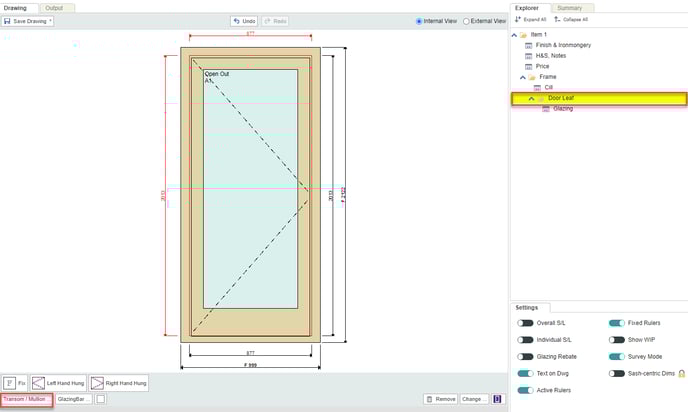
- To draw a door with multiple panels, first select the Door Leaf, then click Transom / Mullion below the drawing.
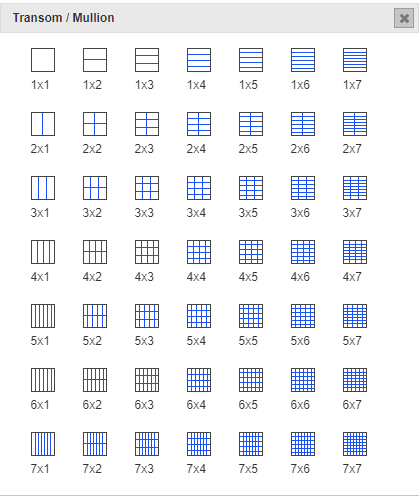
- Choose the option to divide the door leaf into as many panels as you need. e.g. for a four panel door, choose 2x2.
- Select each section in turn, and click Panel below the drawing (you could alternatively choose to add glass to these sections instead).

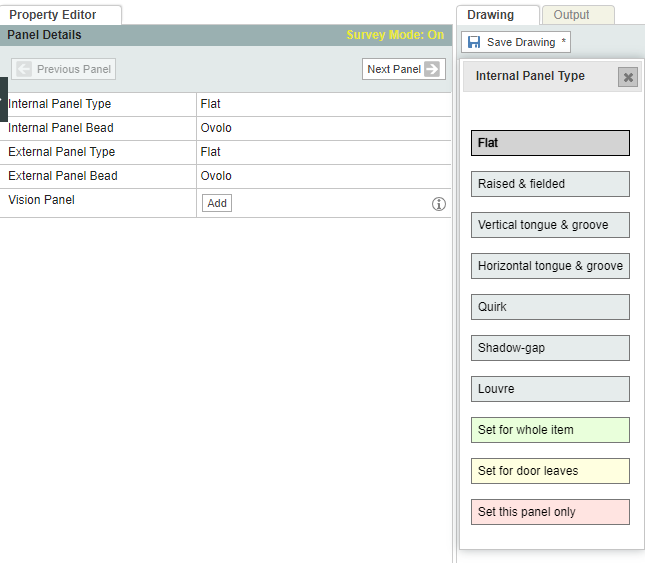
- To change the panel type (flat, raised & fielded, etc) and beading (ovolo, pencil, etc), click the Panel then select the options on the left. Internal and external designs are configured separately.
User Guide- integrate Drawing Board Features