KPI Reports
The KPI Report page allows you to instantly generate reports which provide a valuable insight into how your business is performing.
- On the home page, navigate to KPI (under Office).

- Click KPI Settings in the top right.
- Select the time Period to be encompassed by the report.

- If you have sub-domains set up, select which Organisation the report should be for.

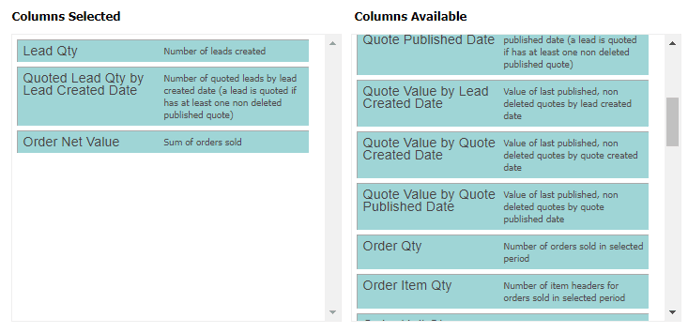
- Drag the desired criteria from Columns Available into Columns Selected.
- If you wish to return to the report later, select Save for later. If you set it to Public, other users will be able to access it too.

- Click Save and Reload to generate the report.