
- integrate Support Team Knowledge Base
- integratePRO Module
- User Guide- integratePRO Module Features
Importing an order into Production Schedule and updating progress
- Locate the order, using either the main search function in the top right, or via the Order List.
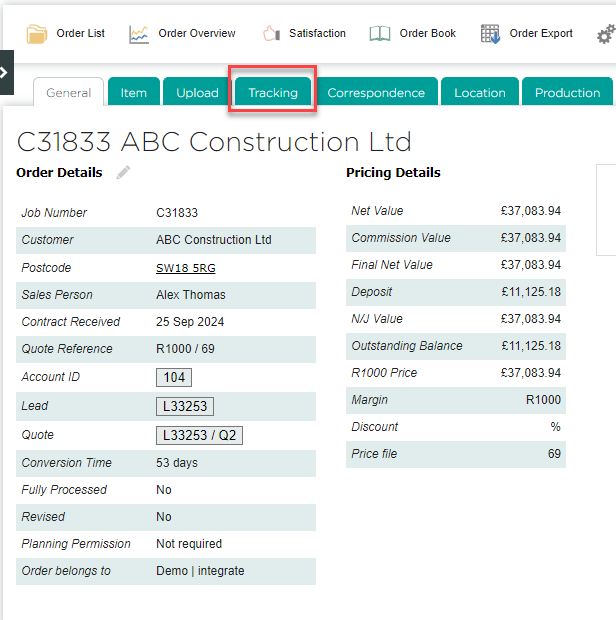
- Switch to the Tracking tab.
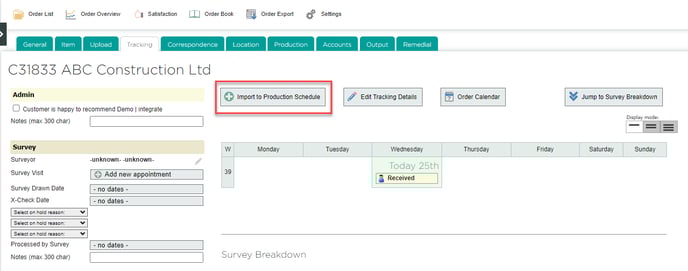
- Click Import to Production Schedule.
- On the next page, you can choose which items to include, edit the estimated minutes for each process, and enter a target Ready by Date. After making any changes, click Import to Schedule.
