- integrate Support Team Knowledge Base
- integrateCRM Module
- Setup and Configuration integrateCRM Module plus Integrations
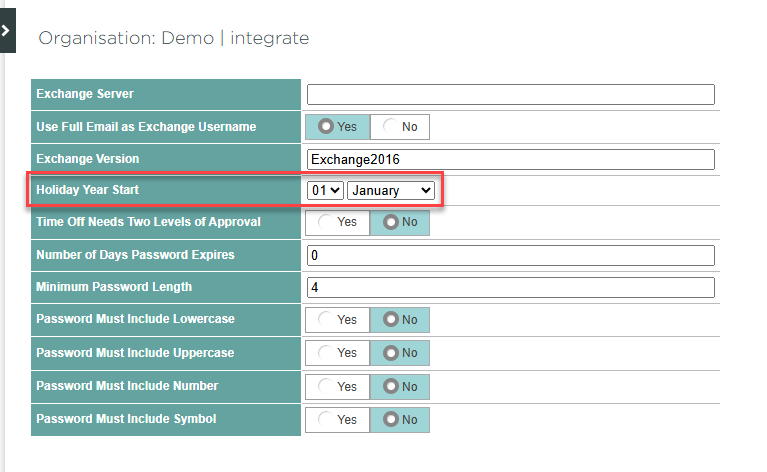
Changing the holiday year
How to change the date on which your holiday year begins.
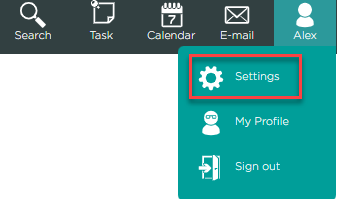
- Click your name in the top right of the screen, and then Settings.
- Click Organisation.
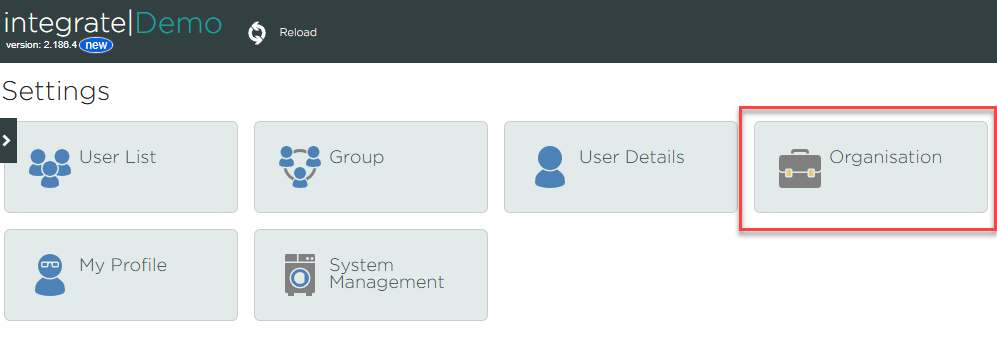
- Click User Management.

- Edit the Holiday Year Start field, and then click Save.