- The Ready By date (RBD) for a job is initially set when the job is imported into the Production Schedule.
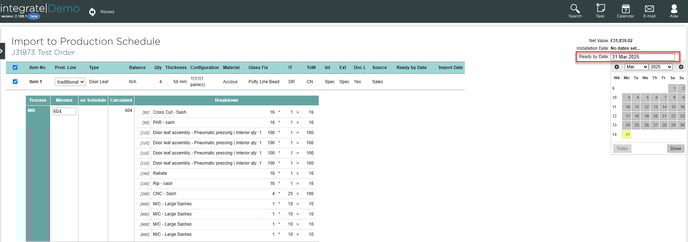
- The Production Schedule is organised according to Ready By date. If a job is overdue, the RBD will be highlighted:
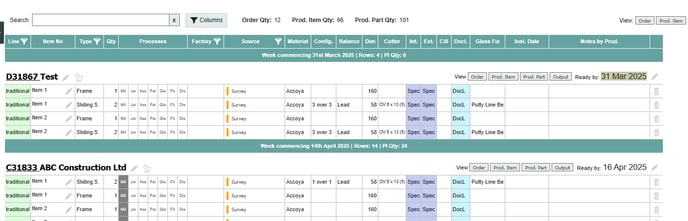
- The RBD can be edited by clicking the pencil icon:

This will open up the job within the Production Schedule. The RBD can be edited for the entire job by clicking the field at the top: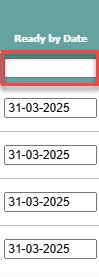
Don't forget to click Save after making any changes. - Individual parts within a job can be given different RBDs:
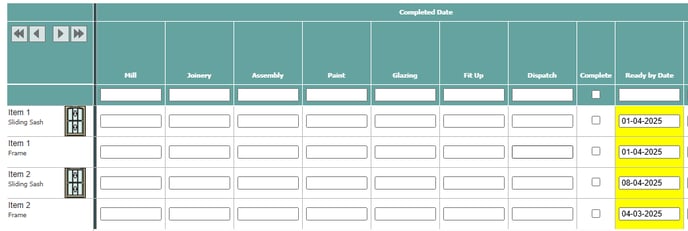
This will split the job into multiple entries on the Schedule.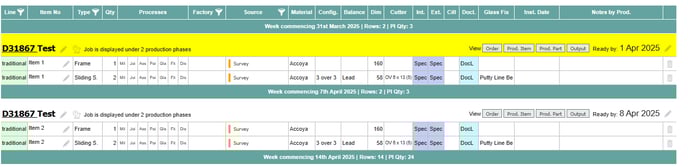
English
![End to End logo dark landscape cropped-01.png]](https://26925870.hs-sites-eu1.com/hs-fs/hubfs/End%20to%20End%20logo%20dark%20landscape%20cropped-01.png?height=40&name=End%20to%20End%20logo%20dark%20landscape%20cropped-01.png)