![End to End logo dark landscape cropped-01.png]](https://26925870.hs-sites-eu1.com/hs-fs/hubfs/End%20to%20End%20logo%20dark%20landscape%20cropped-01.png?height=40&name=End%20to%20End%20logo%20dark%20landscape%20cropped-01.png)
Key Points: Navigating integrateDrawingBoard
1. Navigate the DrawingBoard.
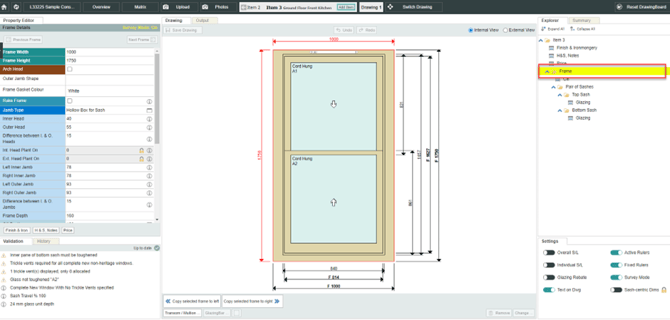
Click on the part of the drawing you want to make changes to, or click on the name of the part in the Explorer pane on the right-hand side. For example, to make changes to the frame, either click the frame itself, or click frame in the explorer.
2. Access the property editor.
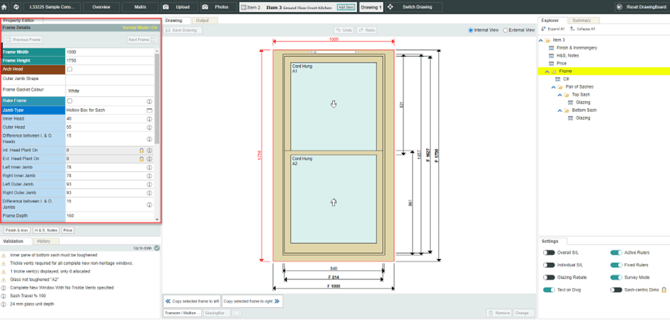
After selecting part of the drawing, make changes using the property editor, on the left-hand side of the screen.
3. Toggle the viewpoint.
Use internal view and external view to toggle the viewpoint. 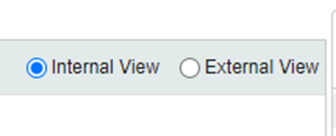
4. Edit and save drawing.
Click undo to remove a previous change, click save drawing to save any changes. 
5. Switch between items and drawings.
For the current item, use the arrow buttons to quickly switch between items or drawings.

6. View items and drawings on a quote.
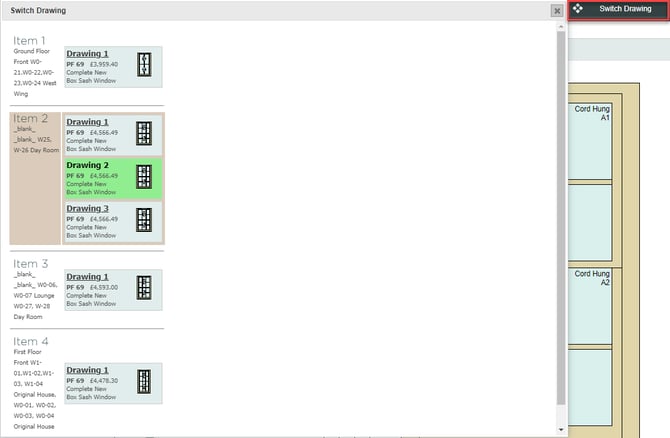
Use the switch drawings button to see an overview of the items and drawings on the quote, and easily navigate between them.