- Locate the order, using either the main search function in the top right, or via the Order List.
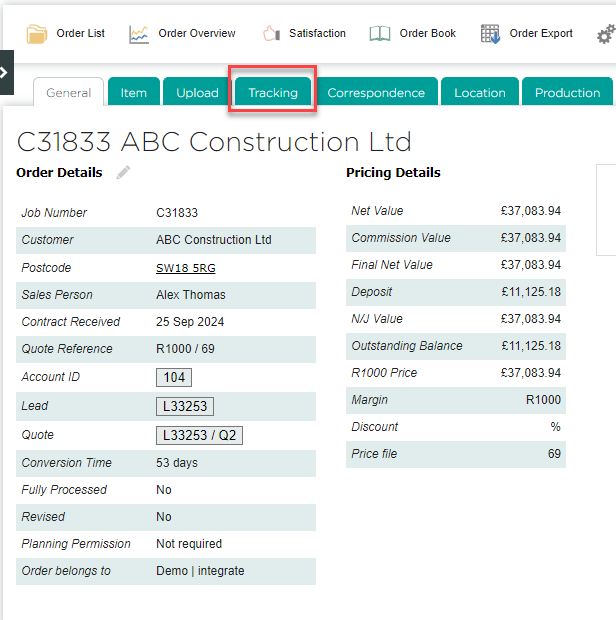
- Switch to the Tracking tab.
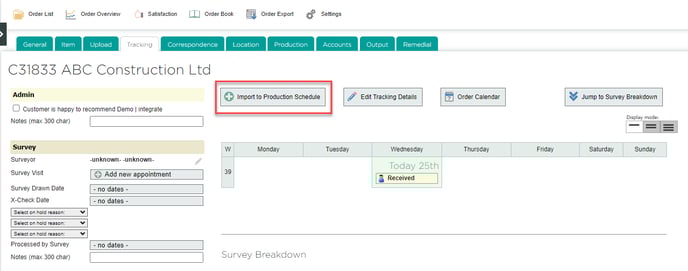
- Click Import to Production Schedule.
- On the next page, you can choose which items to include, edit the estimated minutes for each process, and enter a target Ready by Date. After making any changes, click Import to Schedule.

English
![End to End logo dark landscape cropped-01.png]](https://26925870.hs-sites-eu1.com/hs-fs/hubfs/End%20to%20End%20logo%20dark%20landscape%20cropped-01.png?height=40&name=End%20to%20End%20logo%20dark%20landscape%20cropped-01.png)