![End to End logo dark landscape cropped-01.png]](https://26925870.hs-sites-eu1.com/hs-fs/hubfs/End%20to%20End%20logo%20dark%20landscape%20cropped-01.png?height=40&name=End%20to%20End%20logo%20dark%20landscape%20cropped-01.png)
Key Points: Drawing a Goalpost Frame
1. Create a drawing.
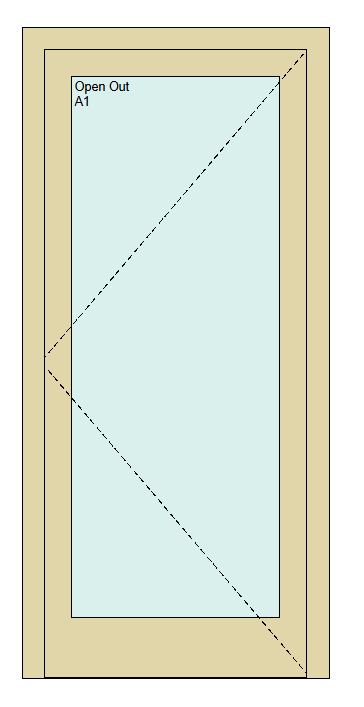
Create a drawing as normal, including a new frame.

2. Access the cill details.
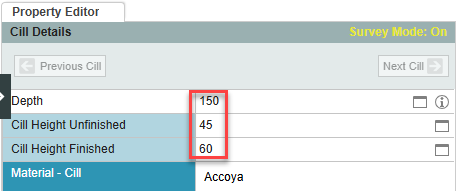
Click cill in the Explorer menu, or click on the cill in the drawing.

3. Open the cill editor.
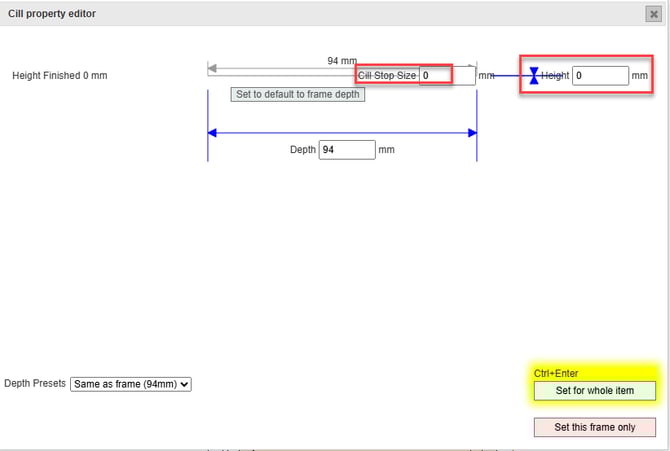
Navigate to the property editor, click on cill dimensions to open the cill editor.
4. When goalpost frame option is available.
If there is a goalpost frame option in the top left of the screen, toggle the button to yes, then click set for whole item or this frame only.

5. When goalpost frame option is not available.
Set the cill stop size to 0 and the cill height to 0.