![End to End logo dark landscape cropped-01.png]](https://26925870.hs-sites-eu1.com/hs-fs/hubfs/End%20to%20End%20logo%20dark%20landscape%20cropped-01.png?height=40&name=End%20to%20End%20logo%20dark%20landscape%20cropped-01.png)
Key Points: Creating and Editing Drawing Templates
1. Access the template editor.
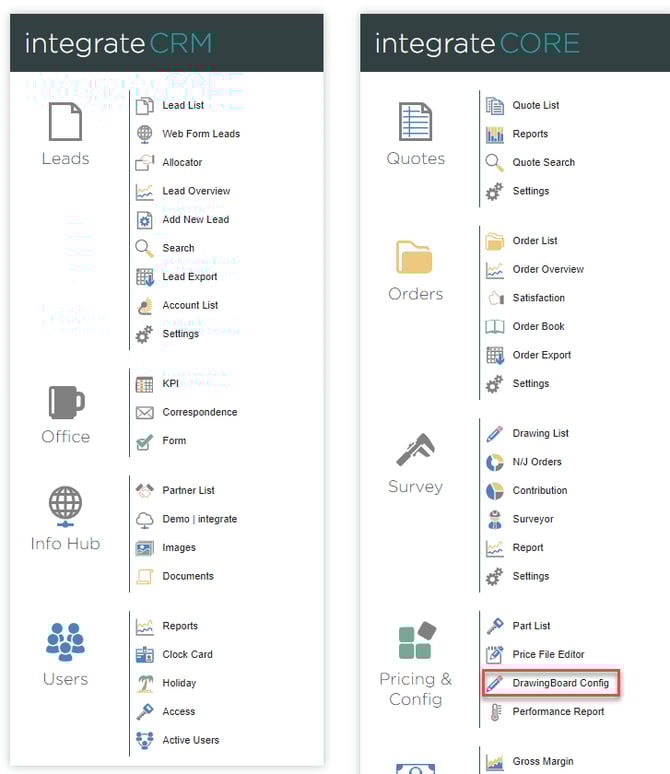
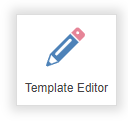
From the main page, navigate to pricing & config, then DrawingBoard config, then drawing template, and click template editor, on the right.

2. Edit or delete an existing template.
Templates are divided into 3 categories:
a. Sash windows
b. Casement windows
c. Doors
To edit an existing template, click the pencil icon next to the template. To delete the template click the dustbin icon.
3. Create a new template.
There are 3 ways a new template can be created:
a. Click add new at the bottom of the relevant section
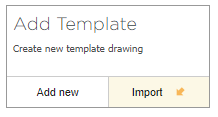
b. Click import to use an existing drawing from a lead, quote, or order
c. Click the copy button next to an existing template
In DrawingBoard, make any required changes.
4. Saving a template.
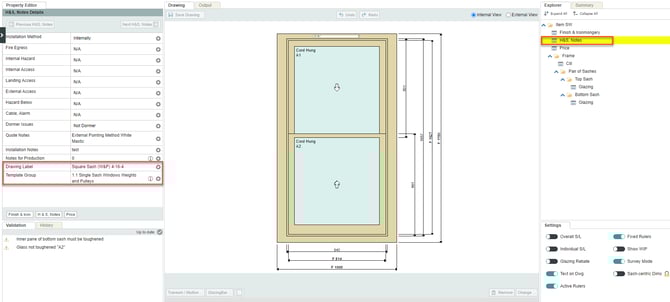
Before saving, click H&S notes in the Explorer menu. In property editor, use drawing label to set a name for the template, and template group determines which sub-category the template will appear under; sash windows, casement windows, or doors. An existing template group can be used, or a new one created.