![End to End logo dark landscape cropped-01.png]](https://26925870.hs-sites-eu1.com/hs-fs/hubfs/End%20to%20End%20logo%20dark%20landscape%20cropped-01.png?height=40&name=End%20to%20End%20logo%20dark%20landscape%20cropped-01.png)
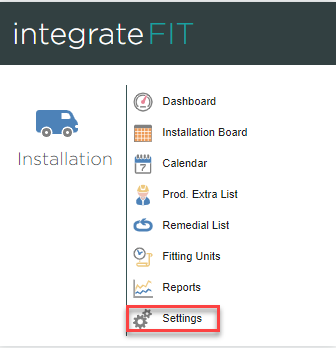
1. From the home page, click the Settings button within the integrateFIT section.
2. Click Installation Board. 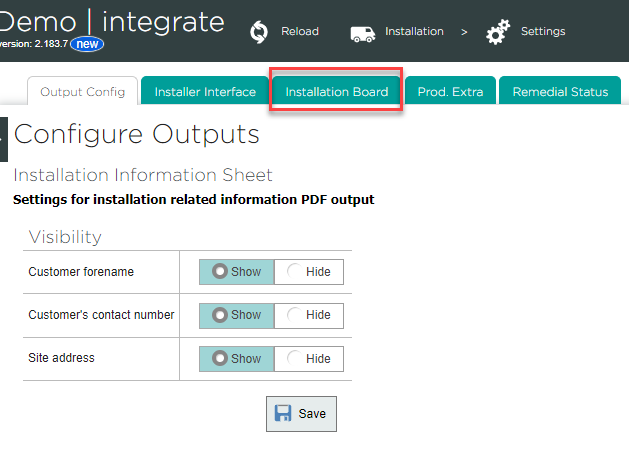
3. Here, you can drag users to the Users Selected column to add them to the installation board, or drag them back to Users Available to remove them. 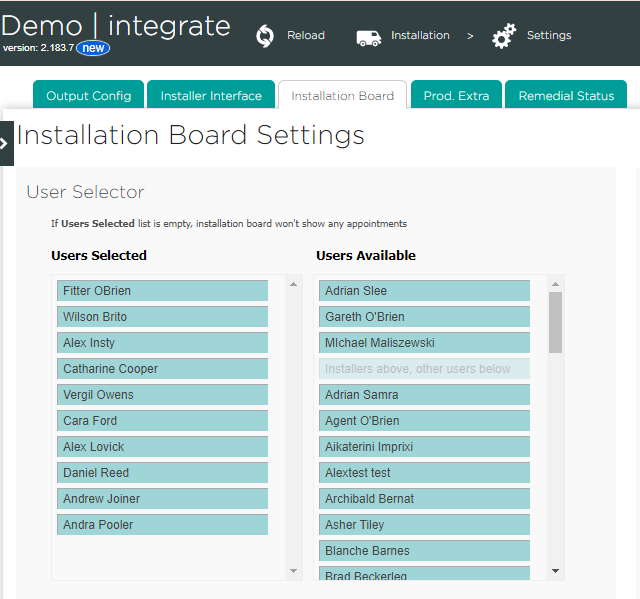
4. Click Save at the bottom of the page to confirm your changes.
