![End to End logo dark landscape cropped-01.png]](https://26925870.hs-sites-eu1.com/hs-fs/hubfs/End%20to%20End%20logo%20dark%20landscape%20cropped-01.png?height=40&name=End%20to%20End%20logo%20dark%20landscape%20cropped-01.png)
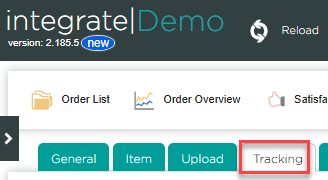
- Locate the order, and navigate to the Tracking tab.
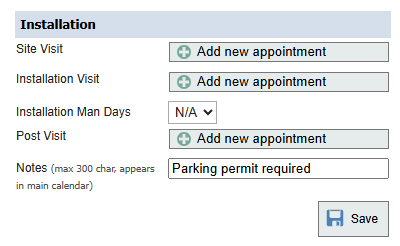
- In the bottom left, under Installation, type in your Notes and click Save.
- Fitters will see these notes within the Item tab of the installation interface (accessed via the Installation Calendar).
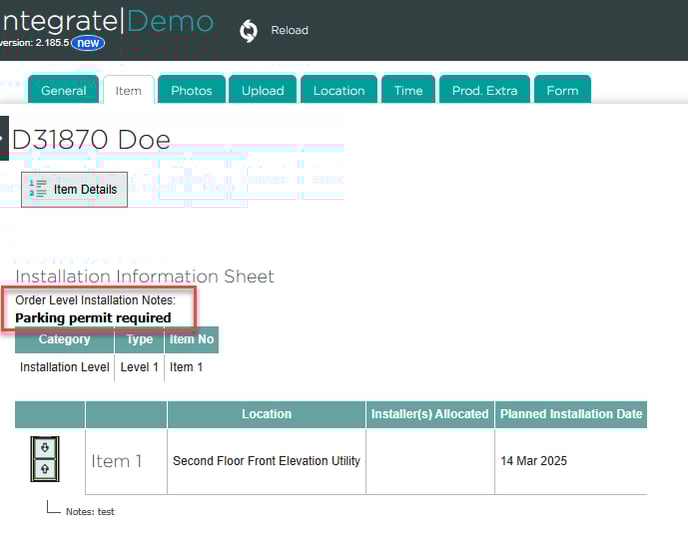 These notes can also be seen from the Installation Board, by clicking IIS (Installation Information Sheet):
And by generating the Installation Information Sheet PDF from the Output tab of the order. 