![End to End logo dark landscape cropped-01.png]](https://26925870.hs-sites-eu1.com/hs-fs/hubfs/End%20to%20End%20logo%20dark%20landscape%20cropped-01.png?height=40&name=End%20to%20End%20logo%20dark%20landscape%20cropped-01.png)
Key Points: Adding a Top or Bottom Rail to a Direct Glazed Unit
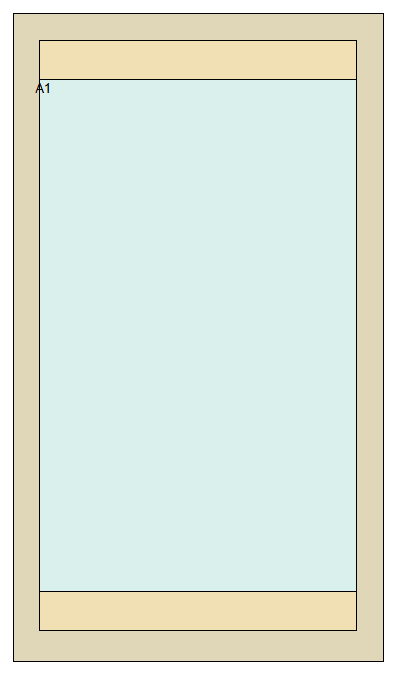
1. Select the direct glazed unit.
On the DrawingBoard, select the direct glazed unit.

2. Find sash head and bottom rail properties.
In the properties editor, scroll down to find the properties for sash head and bottom rail.

Set the desired dimensions for the bottom rail.
Note: The bottom rail can be chamfered, stepped or square, and therefore has internal and external heights.
